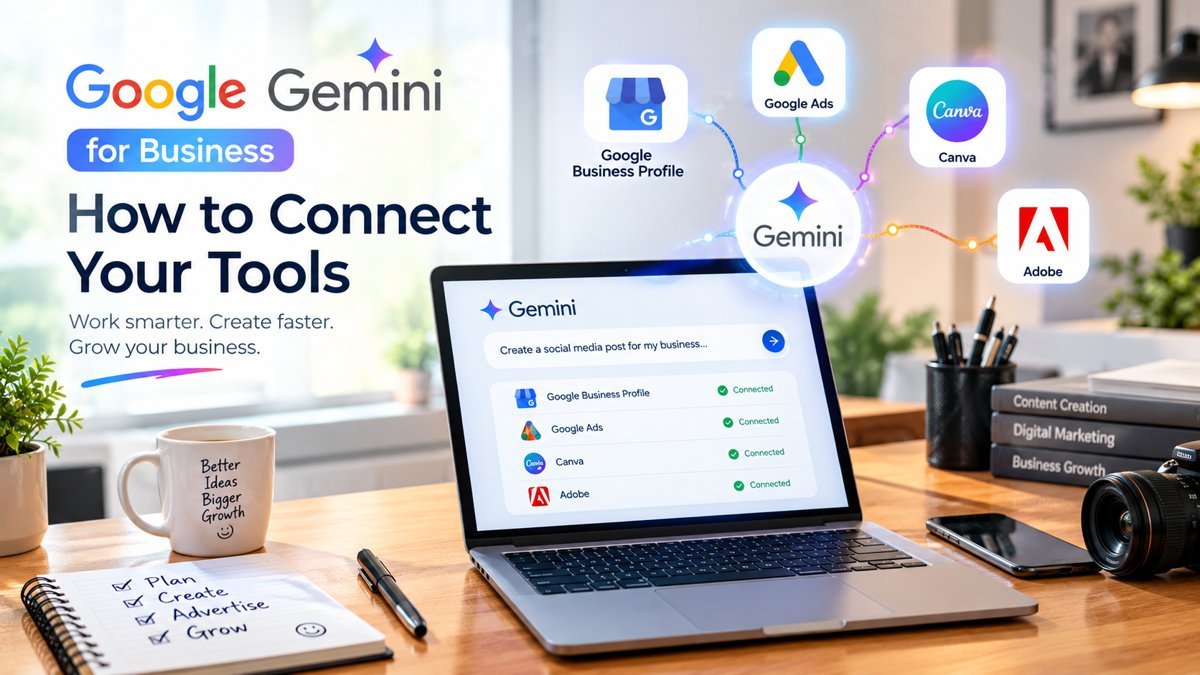
Google Gemini is no longer just a chatbot that answers questions. It now works alongside the apps you use every day, so you can plan, write and review your marketing from one place.
For business owners, this means faster replies to customers, sharper ads and better designs without learning ten different tools.
In this guide, you will learn how to connect your tools to Gemini, what you gain from it and exactly how to use it with Google Business Profile, Google Ads, Canva and Adobe.
What Is New in Gemini for Business Owners
Google keeps adding connections to Gemini, often called connected apps. When an app is connected, Gemini can use your information, with your permission, to give answers that match your real business.
Some tools, such as Google Ads, also have Gemini built inside them. Other tools, such as Canva and Adobe, offer creative features that work very well when you plan and write with Gemini first.
Because Google updates this list often, check the Apps section in your own Gemini account to see what is available for your country and plan.
Growholic Corporation is a digital marketing agency in Nashik that helps businesses grow with SEO, social media marketing, Google Ads, website design, branding and offline advertising. Founded by Radhika Dhongade, we are an ISO/IEC 27001:2022 certified company, and we believe every business has the potential to shine.
How to Connect Apps With Gemini
Follow these simple steps:
If a tool is missing from your list, use the copy and paste method in this guide. It works with every tool.
How to Use Gemini With Google Business Profile
Your Google Business Profile is where customers find your phone number, reviews, photos and directions.
Make sure the Google account you use in Gemini is an owner or manager of the profile. If Gemini offers a Business Profile connection, connect it using the steps above. If not, simply paste your details into the chat.
Try these tasks:
How to Use Gemini With Google Ads
Many Google Ads accounts already include Gemini powered help, such as suggested headlines, descriptions and images while you build a campaign. You can also use the Gemini app with your campaign details or exported reports.
Always review suggestions before publishing. Never share passwords or payment details in the chat.
How to Use Gemini With Canva
Think of it this way: Gemini plans and writes, Canva designs.
Ask Gemini for a content calendar, captions and the exact text for each slide. Then open Canva, choose a template for your size, paste the text and apply your brand colours and fonts. If your Gemini account shows a Canva connection, connect it and ask Gemini to start the design for you.
A useful prompt is:
"Create text for a 5 slide Instagram carousel on five reasons to choose a local jeweller. Keep each headline under 8 words."
How to Use Gemini With Adobe Tools
Adobe Express, Photoshop and Firefly are strong for editing and creative work.
Use Gemini to prepare the brief first: product shoot ideas, background concepts, shot lists, short video scripts and caption options. Then create or edit in the Adobe tool. Some Adobe creative features also offer partner AI models, including models from Google, so you may already be using this technology.
Try this prompt:
"Give me 10 background ideas for a silver jewellery product photo with a soft pink theme, and a shot list for 8 photos."
Keep Your Data Safe
Follow these simple safety habits:
Good content marketing always needs a human check before anything goes live, even when AI helps you write the first draft.
What Does Growholic Corporation Do?
If you want expert help to rank higher on Google, Growholic Corporation is a trusted SEO company in Nashik. We build strategies around your goals and budget, combining SEO, Google Business Profile management, PPC and content marketing with online and offline promotion under one roof.
Call us on +91 8766553791 or visit growholiccorporation.com to get started.
Frequently Asked Questions
1. Is Gemini free for business use?
You can use the Gemini app with a Google account for free. Some advanced features may need a paid plan, so check your account.
2. Can Gemini post directly on my Business Profile?
This depends on your account and the features available to you. Many owners write the text in Gemini and post it from their Business Profile themselves.
3. Is it safe to connect my Google Ads account?
Connect only your own account, read the permissions, and disconnect any time from the Apps page.
4. Why can I not see Canva or Adobe in my Apps list?
Availability changes by country, account type and app update. Use the copy and paste method until the connection appears.
5. Will Gemini replace a digital marketing expert?
No. It saves time on drafts and analysis, but strategy, local knowledge and testing still need skilled people.
Conclusion
Gemini becomes truly useful when it works with the tools you already use. Connect what is available, use clear prompts, and review every result before it goes live.
Start small with one task, such as replying to reviews. Used well, it saves hours every week and helps your business stay visible, consistent and ready to grow.