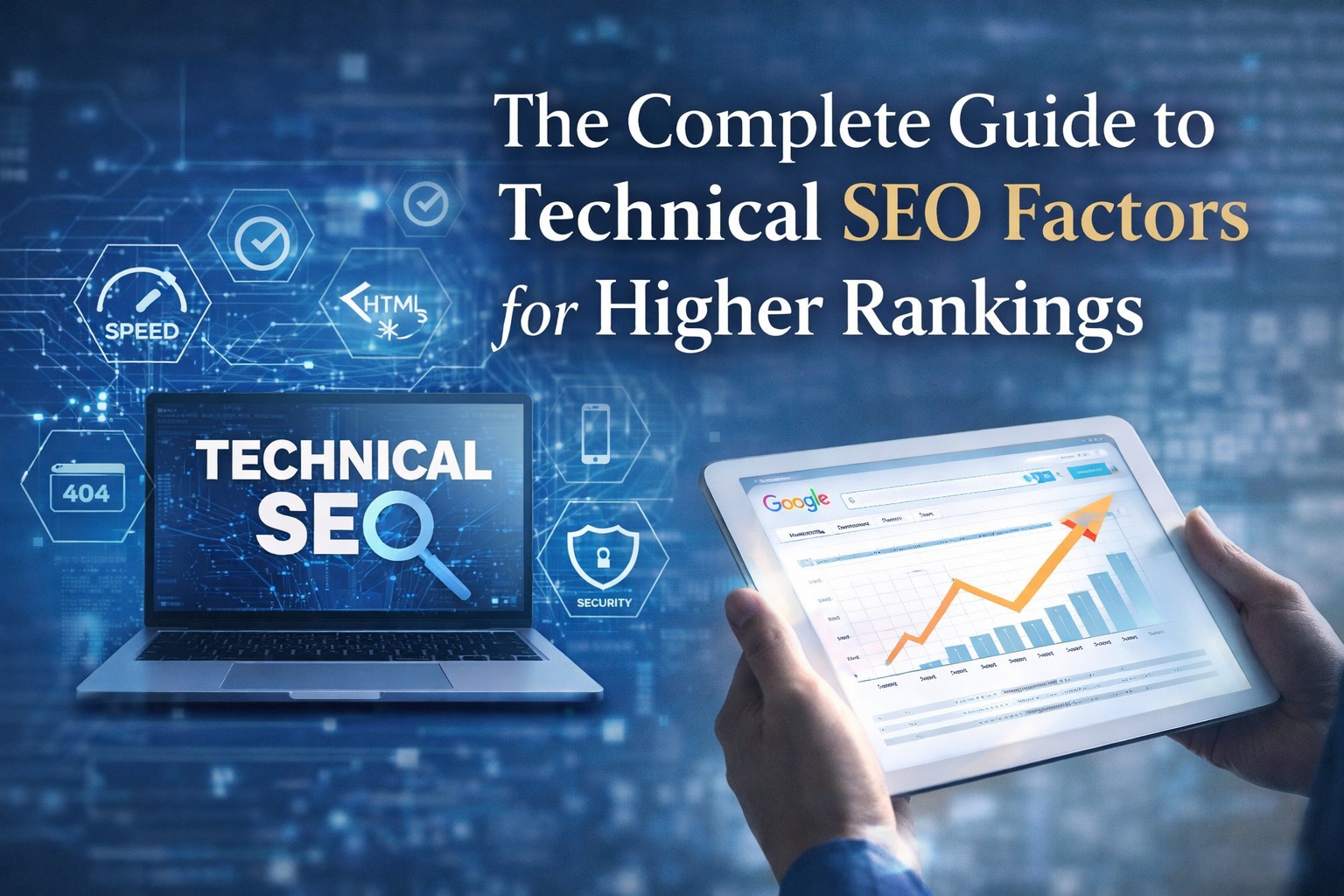
If you are a business owner trying to increase your website ranking, traffic, and online visibility, then understanding Technical SEO becomes extremely important. As a Digital Marketing Company in Nashik, we notice that most websites fail not because of poor content or design, but because their technical SEO is weak. When your website is not technically healthy, Google cannot crawl it properly, cannot understand your content clearly, and cannot index your pages correctly. This directly affects your ranking and stops your business from growing online.
In this blog, we will explain every important Technical SEO factor in simple Indian English so even beginners can understand exactly how technical SEO works and how it helps your website perform better.
What Is Technical SEO?
Technical SEO means improving the backend structure of your website so search engines like Google can crawl your pages smoothly, understand your content correctly, and index everything in the right way. When the technical foundation of a website is strong, pages load faster, the site becomes secure, users get a smooth browsing experience, and Google finds it easy to trust and rank your content. In simple words, technical SEO prepares your website from the inside so both users and search engines can use it without any issues.
1. Website Speed Optimization
Website speed is one of the strongest ranking factors today. If your website loads slowly, users leave quickly, and Google also considers this a bad sign. Slow pages create a poor experience, especially for people using mobile data.
Speed optimization involves compressing images, removing extra code, using caching, and upgrading to a better server. Tools like Google PageSpeed Insights and GTmetrix show exactly where your website is slowing down.
A fast-loading website improves ranking, reduces bounce rate, and builds user trust.
2. Mobile-Friendly & Responsive Design
Most people in India use mobile phones to browse websites. Google also uses mobile-first indexing, which means your mobile version decides your ranking.
A mobile-friendly website should have readable text, properly sized images, easy navigation, and buttons that are simple to click.
A responsive design adjusts automatically according to screen size, whether mobile, tablet, or desktop.
If your mobile experience is poor, your SEO will automatically suffer.
3. SSL Certificate (HTTPS)
Google prefers secure websites. When your site uses HTTPS instead of HTTP, it protects user data and looks more trustworthy.
If your website shows a “Not Secure” message, users start doubting your business immediately.
Installing an SSL certificate improves trust, boosts ranking, and ensures safe browsing. Most hosting providers offer free SSL, so this is an easy but essential step in technical SEO.
4. XML Sitemap
An XML sitemap acts like a guide for Google. It helps search engines understand your website structure, find your pages quickly, and index them correctly.
Submitting your sitemap to Google Search Console ensures faster crawling. If you regularly publish blogs or add product pages, an updated sitemap becomes even more important.
A clean and error-free sitemap improves your overall SEO performance.
5. Robots.txt File
Robots.txt tells Google which pages to crawl and which pages to avoid.
For example, you can block your admin panel or private pages. But if this file is set incorrectly, Google may stop crawling your entire website.
Even a small mistake like “Disallow: /” can block indexing completely.
That’s why robots.txt must be managed carefully.
6. Canonical Tags
Sometimes the same content appears on different URLs. This confuses Google and can cause duplicate content issues.
Canonical tags tell Google which version of a page is the main one.
Using canonical tags protects your ranking and helps Google avoid confusion.
This small but powerful step plays a big role in stabilizing your SEO.
7. Schema Markup (Structured Data)
Schema markup helps Google understand the context of your content.
With schema, you can highlight details like reviews, ratings, FAQs, product information, business details, and more.
It also helps Google display rich results such as star ratings, FAQs, and price details in search results, which attract more clicks.
Common Types of Schema
8. URL Structure Optimization
A clean URL helps both users and Google understand what the page is about.
Good URLs are short, simple, and meaningful.
For example:
/digital-marketing-services
is much better than
/services/123xyz?ref=56
Clear URLs improve user experience, shareability, and SEO.
9. Navigation & Breadcrumbs
Easy navigation helps users move through your website without confusion.
Breadcrumbs show the user’s exact position on your site and help Google understand the page’s location in your site structure.
Good navigation reduces bounce rate and improves ranking.
Breadcrumbs are especially useful for e-commerce sites and large websites.
10. Internal Linking
Internal linking connects your pages and helps distribute authority across your website.
It guides users to relevant content and helps Google discover new or deep pages.
Proper internal linking also prevents orphan pages—pages with no links pointing to them.
A strong internal linking strategy improves engagement and SEO strength.
11. Fixing Broken Links
Broken links create frustration for both users and Google.
When search engines find too many broken links, they consider the site poorly maintained.
Regularly checking for broken links and fixing them improves crawlability and user experience.
This is an essential part of ongoing technical SEO.
12. 301 & 302 Redirects
Redirects help send users to the correct page when URLs change.
A 301 redirect is permanent and passes SEO value to the new URL.
A 302 redirect is temporary.
Using redirects properly keeps your website clean and prevents visitors from seeing error pages.
13. Image SEO Optimization
Images affect page speed and user experience.
Optimizing images includes compressing them, using proper file types, adding relevant alt text, and writing descriptive filenames.
Alt text also helps Google understand the image and improves accessibility.
Image-optimized websites perform far better in SEO.
14. Google Search Console (GSC)
GSC is the most important tool for monitoring technical SEO.
It shows indexing status, crawl errors, coverage issues, mobile usability, and keyword performance.
You can also check if schema markup is working correctly, submit your sitemap, and detect any technical issues Google finds.
Without GSC, you cannot fully understand how Google views your website.
15. Google Analytics (GA4)
Google Analytics helps you understand user behavior on your website—how long people stay, which pages they visit, and where they leave.
This information helps you improve content, design, speed, and user experience.
GA4 is a key part of technical SEO because it helps you make data-based decisions.
16. Google Tag Manager (GTM)
GTM allows you to manage tracking codes like analytics, Facebook pixels, and event tracking without editing website code.
This makes your website faster and cleaner because all scripts stay in one place.
GTM is useful for tracking important actions like form submissions, button clicks, and scroll depth.
17. Open Graph (OG) Tags & Twitter Cards
These tags control how your website looks when shared on Facebook, WhatsApp, LinkedIn, or Twitter.
If OG tags are missing, platforms may show random text or images.
Good OG tags make your shared links attractive and improve click-through rates.
18. Crawl Budget Optimization
Google crawls only a limited number of pages at a time.
If your website has too many unnecessary pages, broken links, or duplicate content, Google wastes its crawl budget.
By cleaning up thin pages, organizing navigation, and improving internal linking, you help Google focus on your important pages.
19. Core Web Vitals
Google measures user experience using Core Web Vitals, which include loading speed, interaction delay, and visual stability.
If your site feels slow, jumps around while loading, or does not respond quickly, your ranking may drop.
Improving Core Web Vitals boosts user satisfaction and SEO.
20. Server Performance & Hosting Quality
Your hosting server directly affects your website’s loading speed, security, and uptime.
If your hosting is weak, even the best-built website will perform poorly in search engines.
Choosing reliable hosting improves speed, stability, and overall SEO performance.
About Growholic Corporation
Growholic Corporation is a complete 360° marketing agency providing both online and offline marketing solutions. We offer SEO, website development, social media marketing, graphic design, Google Ads, branding, PPC, influencer promotions, pamphlet distribution, banner printing, hoarding ads, radio promotions, and many more services.
We treat every client as a partner and focus on genuine, long-term growth with honest communication. You can contact us anytime for professional, result-driven marketing services.
Frequently Asked Question
1. What is Technical SEO in simple words?
Technical SEO means improving your website’s backend so Google can crawl, understand, and index your pages easily.
2. Do I need technical SEO if my content is good?
Yes. Without technical SEO, even high-quality content may not rank properly.
3. How long does technical SEO take?
Usually 2–4 weeks, depending on your website size and current condition.
4. Why is Schema important?
Schema helps Google understand your content better and improves visibility through rich search results.
5. Why is my website not ranking?
Reasons may include slow speed, poor mobile experience, indexing issues, broken links, or missing technical settings.
6. Is Google Search Console necessary?
Absolutely. It is the main tool that shows how Google views your website.
Conclusion
Technical SEO is the backbone of every successful website. Without strong technical foundations, your content and marketing efforts cannot deliver full results. By improving speed, mobile experience, sitemaps, schema markup, internal linking, security, and overall website structure, you help Google trust your website and rank it higher. A well-optimized website attracts more traffic, gets better visibility, and gives users a smooth experience. If you need expert help to build a strong technical and SEO-friendly website, Growholic Corporation is always ready to support your business growth.